A morning routine, one step at a time.
Dusted turns your morning into a few steps in order and walks you through them, so you don’t have to think about what comes next. Start from a morning template in Discover, or build your own.
Updated
Start with a few steps.
Three to five steps is plenty. Put them in the order you’d do them anyway, and keep each one small enough to start half-awake. Here is Everyday Morning, one of the morning templates in Discover:
- Open the day: open curtains and get dressed (checklist)
- Make water available: take a drink if you want one (checklist)
- Move comfortably: use familiar gentle movements (3 min)
- Write what is on your mind: capture thoughts without editing (5 min)
- Choose today’s priority: name one concrete next step (2 min)
- Prepare breakfast: use the food and time available to you (checklist)
Every step in a routine comes back each time you run it. Change, reorder or remove any of them.
Give a step a timer when it needs one.
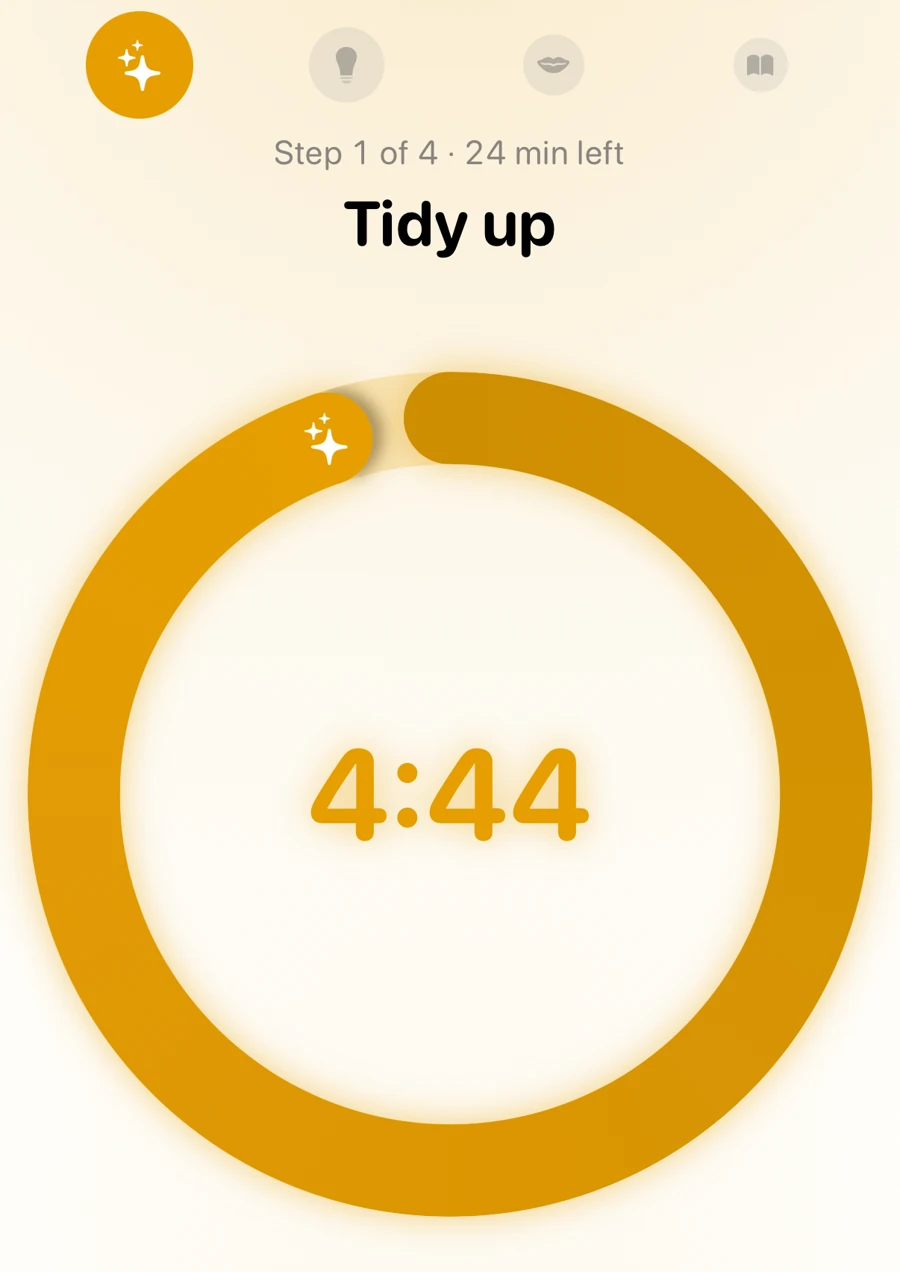
A step can count down, count up, or be a checklist step with no clock. Timed steps show a ring; checklist steps show what to do and a big Done button, so nothing suggests a deadline.
Tie it to something you already do.
Give the routine an anchor, a moment that’s already part of your morning. The template’s reads “After I get ready for the day, I begin Everyday Morning.” The anchor shows on Today and in the routine’s reminder.
Follow along.
Tap Start and Dusted shows one step at a time, with the time left for the whole routine. The Live Activity keeps the current step on your Lock Screen and in the Dynamic Island, where you can pause or go to the next step, and Siri can do the same. With Pro, the Apple Watch app runs it from your wrist. When the last step is done, Dusted says so: done and dusted.
Some mornings are different.
Skip a routine for today, or pause it while you’re away, and its streak waits for you. Missing one scheduled day is fine if you run it again by the next. If you’d rather not see streak numbers at all, turn off Show Streaks in Account › Progress Settings.
Morning templates in Discover.
Each one is a starting point you can change:
- Everyday Morning (10 min, 6 steps)
- Morning Ritual Stack (9 min, 3 steps)
- Intentional Morning (8 min, 4 steps)
- Daylight Pause (5 min, 4 steps)
- Out of Bed (untimed, 4 steps)
- Breakfast Ritual (untimed, 4 steps)
Try it in Dusted.
Free to download, with optional Pro. On iPhone, iPad, Mac and Apple Watch.